

Your analytics probably look odd right now. Some product pages still rank, but fewer people click. Buyers ask longer, messier questions. AI tools answer part of the question before anyone reaches your site, and when they do click, they often land much deeper in the funnel than they used to.
That changes how to optimize content for ai search.
For large catalogs, this isn’t a copywriting problem first. It’s an operations problem. If your product attributes are messy, your variants conflict across channels, your descriptions are thin, and your schema only exists on a handful of pages, AI systems don’t see a reliable source. They see fragments.
Teams that do this well treat AI search as an end-to-end workflow. They audit the catalog, fix the data model, generate structured content from that model, review it with humans, and track whether AI systems indeed cite and convert that content. That’s the playbook that scales.
A lot of SEO habits still matter. Clear page titles matter. Strong internal linking matters. Helpful content matters. But the old playbook breaks when it assumes ranking for a keyword is the main job.
It isn’t anymore.
AI search tools don’t just list pages. They summarize, compare, recommend, and answer. That means your page has to work in two modes at once. It has to satisfy a human visitor, and it has to be easy for a machine to interpret without guessing.
That’s the fundamental shift behind GEO, or generative engine optimization. You’re not only trying to rank. You’re trying to become cite-worthy.
A keyword strategy built around one head term per page leaves too much ambiguity. Product catalogs are full of pages like that. They mention the category, repeat a few specs, and stop there.
AI systems need more context than that. They look for clean structure, explicit relationships, and content that answers the user’s actual question in plain language.
If your page says “lightweight running shoe” five times but never explains terrain, cushioning, fit, drop, weather use, or who it’s for, the page stays shallow. A human may tolerate that. An AI system may skip it.
The winning pages aren’t always the pages with the loudest keyword targeting. They’re often the pages that remove ambiguity.
Many teams face a common challenge. They still think of content as paragraphs on a page. AI search forces you to think in layers:
When those layers line up, your content becomes much easier to extract, summarize, and recommend.
That’s also why generic SEO checklists feel incomplete now. They tell you to optimize titles and add keywords, but they don’t address product data governance, variant consistency, or the way one bad attribute can ripple through Google, Amazon, eBay, and AI answers at the same time.
If your team is still treating product SEO as isolated page editing, it helps to rethink the whole system. A practical starting point is this guide on SEO for products, especially if your catalog content is spread across multiple teams and channels.
Some habits still hold up:
Some habits age badly:
The teams getting traction in AI search aren’t chasing tricks. They’re building content systems that make product knowledge easy to trust.
Many optimization efforts start too high up. They review rankings, title tags, and maybe a few descriptions. That misses the underlying bottleneck.
For AI search, the first audit should ask a harder question. Can a machine read your catalog and understand what each product is, how it differs from similar items, and when it should be recommended?
If the answer is “kind of,” you’ve found the problem.
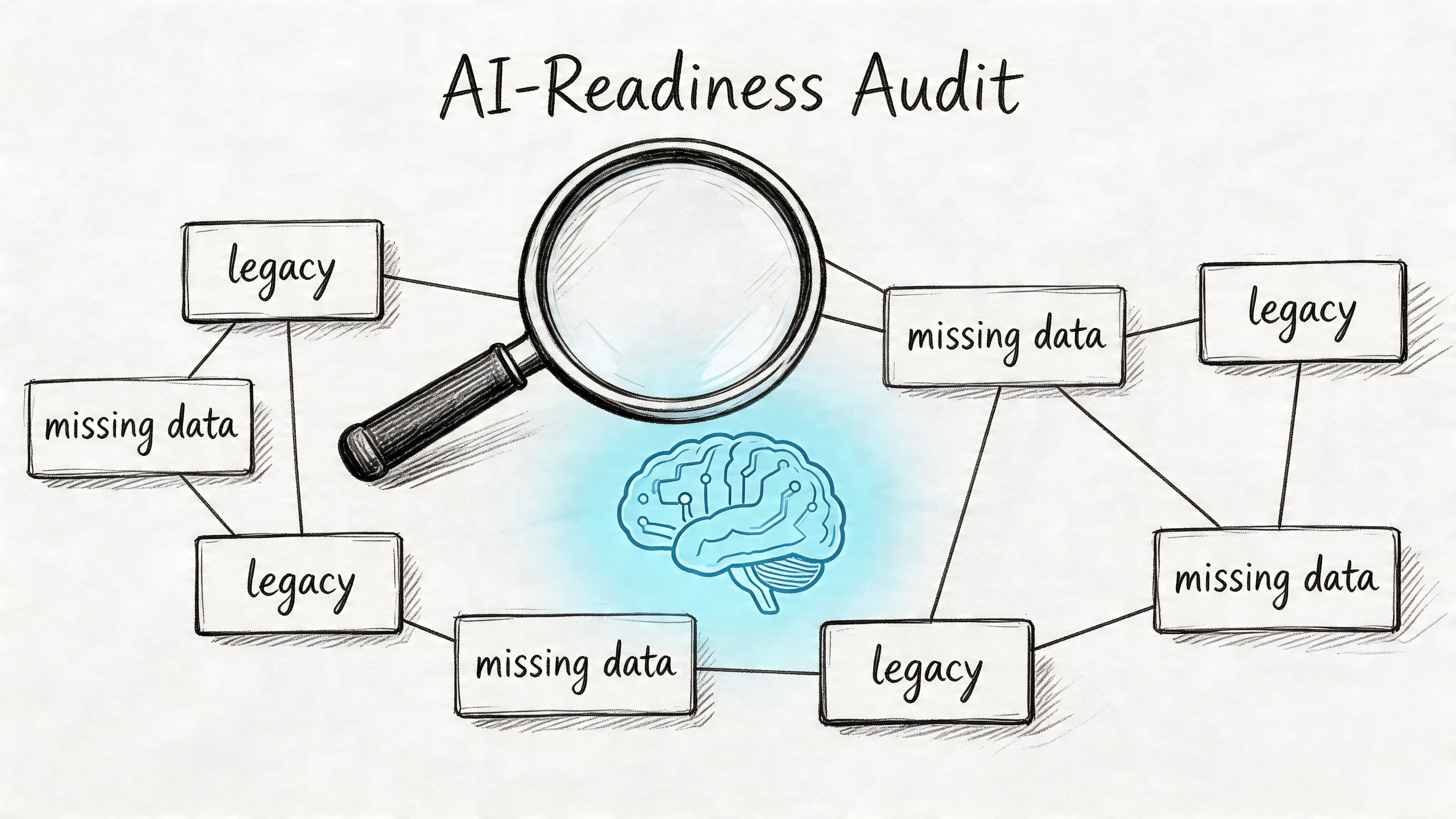
A single product page can look fine on the surface and still fail at the system level. Maybe the title is clean, but half the variants are missing materials. Maybe the dimensions exist on your site but not in your marketplace feed. Maybe one team says “navy,” another says “midnight blue,” and your filters treat them as separate values.
AI search exposes that mess fast.
The issue is bigger for large assortments. As Search Engine Land notes, most GEO advice doesn’t really address scaling across thousands of SKUs and variants. The same piece also notes that pages with clear structures are 40% more likely to be cited by AI, while data on product-level schema impact is still sparse, which is exactly why teams need a catalog-level strategy instead of single-page fixes (Search Engine Land).
Don’t begin with prose quality. Begin with content integrity.
Use a working checklist like this:
A good audit also maps where content breaks operationally.
Here are the common failure points we see:
| Failure point | What it looks like in the catalog | Why it hurts AI search |
|---|---|---|
| Fragmented ownership | Marketing writes copy, merchandising owns specs, support owns FAQs | No single page contains a complete answer |
| Legacy imports | Supplier feeds overwrite enriched content | Good detail disappears without anyone noticing |
| Channel drift | Website, marketplace, and feed data disagree | AI systems get conflicting signals |
| Weak taxonomy | Categories are broad or inconsistent | Related products are harder to compare or cluster |
| Thin supporting content | No how-to, care, setup, or compatibility guidance | Pages lack the context needed for recommendation |
Practical rule: If your best buying answers only live in Slack threads, spreadsheets, or customer support macros, your catalog is under-documented.
Don’t grade pages only by traffic. A low-traffic page might be strategically important if it serves a precise buying question.
A more useful audit score combines:
This helps you prioritize what to fix first. In practice, the biggest gains usually come from product families with strong demand but weak structure, not from rewriting already polished hero products.
If AI tools aren’t surfacing your products, the visible symptom might be low citation. The root cause is often somewhere else:
That’s why the audit needs to be blunt. You’re not reviewing content style. You’re checking whether your catalog behaves like a trustworthy knowledge base.
Once the audit is done, the next move isn’t “write better copy.” It’s to build a better source of truth.
For AI search, the data model is the foundation. If it’s weak, everything downstream gets weaker too. Content generation gets generic. Schema gets patchy. Reviews and FAQs sit outside the product record. Channels drift apart.
A strong model fixes that by defining what every product record must contain, how those fields relate to each other, and which pieces can be reused across your site, marketplaces, feeds, and support content.
Early in this work, it helps to visualize the structure you’re building.
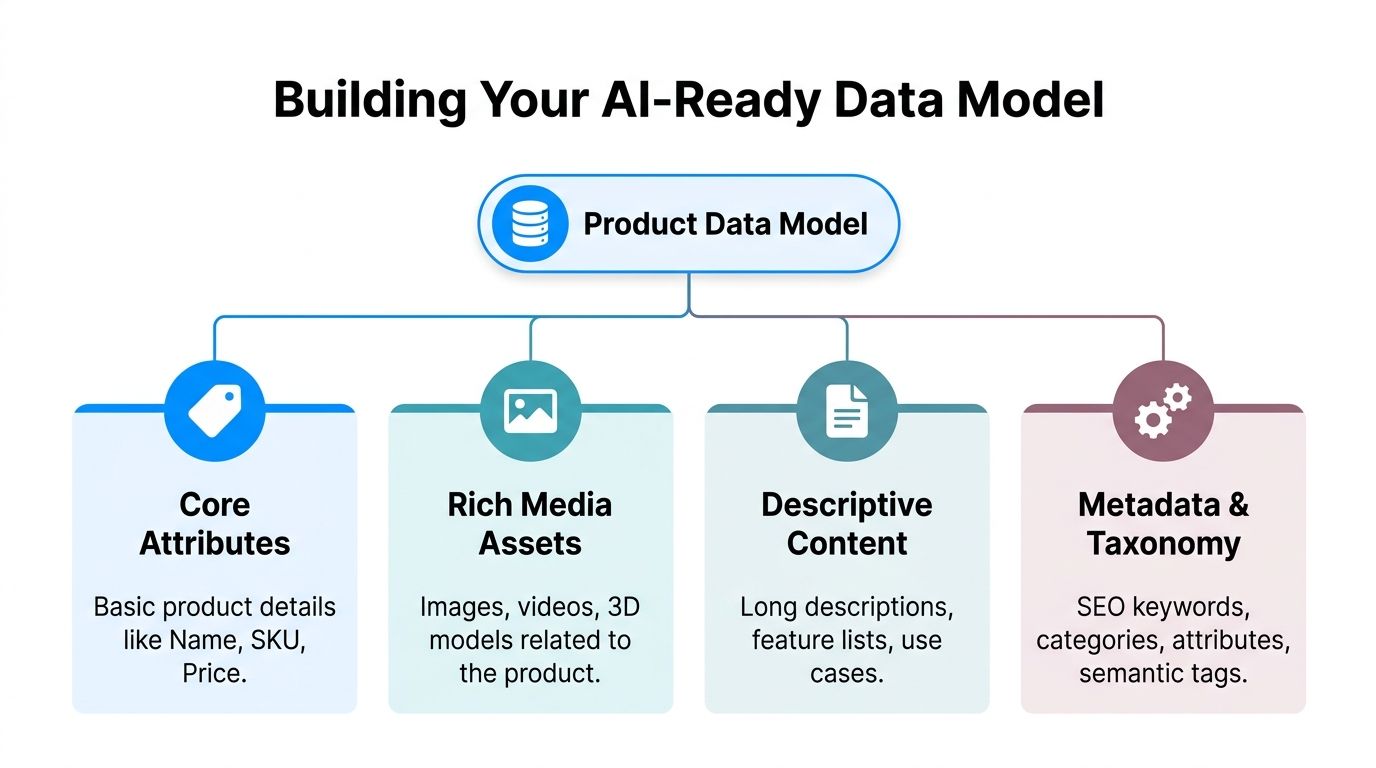
Every product record needs more than a title, short description, and price. For AI search, you need enough structured meaning that a system can tell what the product is, who it’s for, and what makes it different.
At minimum, we usually organize the model into four layers:
The mistake is treating those as separate projects. They should live in one coordinated model.
Schema works best when it isn’t bolted on after the page is designed. It should be mapped directly from your product data model.
According to Andres Plashal, LLMs grounded in knowledge graphs achieve 300% higher accuracy than those parsing unstructured data alone, and pages with rich results see an 82% increase in CTR (Andres Plashal). That matters because schema gives AI systems explicit pathways to understand what your content means instead of inferring it from loose text.
For product-focused catalogs, the most useful schema types usually include:
Here’s a simple example of how one product record can map into a usable structure.
| Attribute | Value | Schema.org Property (Product) | Purpose for AI |
|---|---|---|---|
| Product Name | AeroFlex Daily Runner | name | Identifies the product clearly |
| SKU | ADR-42-NVY | sku | Distinguishes the exact item |
| Brand | AeroFlex | brand | Connects the item to brand entity signals |
| Price | Qualitative pricing field in record | offers | Supports commercial interpretation |
| Color | Navy | color | Helps variant and filter understanding |
| Material | Engineered mesh upper | material | Adds product specificity |
| Cushioning Type | Neutral foam | additionalProperty | Clarifies fit and use case |
| Best Use | Road running, daily training | category or additionalProperty | Connects the product to intent queries |
| Care FAQ | Can this shoe be machine washed? | FAQPage | Supports direct answer extraction |
| Fit Guide | Runs true to size | additionalProperty | Reduces ambiguity for recommendations |
If you manage thousands of SKUs, manually filling every field on every record won’t last.
Use inheritance logic wherever possible:
That cuts duplicate effort and reduces contradiction.
A short explainer on modern enrichment workflows can help if your team is still working from raw supplier files and manual edits. This overview of ecommerce product data enrichment is useful for framing what should be centralized versus generated.
Here’s a helpful walkthrough on related thinking and implementation patterns:
Not every field deserves the same priority. A smart model separates mandatory fields by content purpose.
For example:
That matters because AI search often pulls from mixed intent types. A buying question may trigger a product page, a FAQ, and a how-to in the same answer.
A product record that only supports merchandising won’t perform well in AI search. It also has to support explanation.
This is the unglamorous part, but it decides whether the system survives.
Set field definitions. Lock naming standards. Document unit rules. Decide who approves taxonomy changes. If you don’t, the model will slowly drift back into chaos.
The best data models aren’t just rich. They’re governable by real teams under real deadlines.
Once the data model is stable, content generation gets faster and better at the same time. That’s the payoff. You stop asking a writer or merchandiser to invent each page from scratch, and you start generating from structured facts.
That doesn’t mean every page becomes a template blob. It means your system supplies the raw ingredients consistently, then your prompts shape them into channel-specific content.
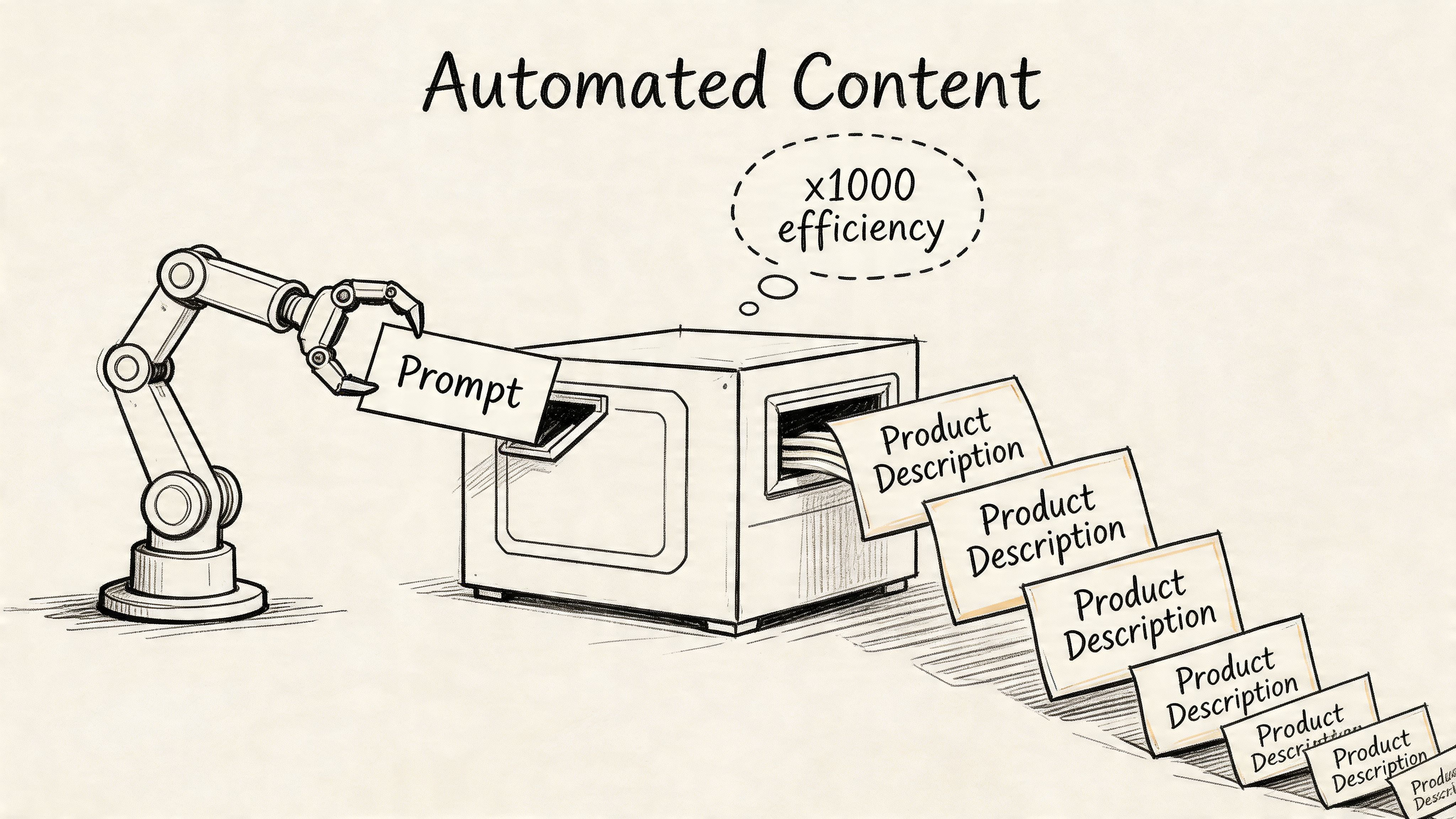
A lot of teams jump straight into prompting ChatGPT or another model. That usually creates uneven copy because the structure isn’t decided yet.
Start with content prototypes instead. A prototype is a repeatable layout for a product type or channel. It defines what content blocks appear, in what order, and which fields feed each block.
A solid prototype for a product detail page might include:
This lines up with guidance from Convert, which recommends prioritizing FAQPage, HowTo, Product, and Review schema, plus question-based headings, short paragraphs, lists, and scannable formatting for stronger AI visibility (Convert).
The best prompts don’t ask the model to “write a compelling description.” That’s too vague.
They tell the model what fields exist, which audience the copy serves, what tone to use, what claims to avoid, and what structure to follow.
For example, a better prompt framework looks like this:
Use the provided product attributes only. Write a category-specific product summary for a road running shoe. Start with a direct answer to the buyer question. Follow with three bullet features, one fit note, and one care note. Do not invent performance claims. Use plain language. Keep paragraphs short.
That one instruction avoids a lot of common problems. It reduces hallucination. It keeps the output aligned to real data. It gives the model boundaries.
Your website, Amazon listing, Google Shopping feed, and support center don’t need the same copy.
They need different versions built from the same source:
| Channel | Best use of generated content | Common mistake |
|---|---|---|
| Website PDP | Rich explanation, FAQ, comparisons, buying help | Stuffing keywords into long paragraphs |
| Amazon | Tight feature hierarchy, benefits tied to specs | Copying website prose directly |
| Google Shopping | Clean attributes and accurate feed detail | Sending vague titles and weak taxonomy |
| Help center | Setup, compatibility, care, troubleshooting | Hiding useful answers behind support tickets |
When teams skip channel logic, they create one generic master paragraph and paste it everywhere. That’s fast, but it’s not useful.
AI-generated copy often sounds polished but flat. It uses safe phrasing, repeats patterns, and smooths out the details that make content feel trustworthy.
That’s why editing matters even before the formal review step. If your drafts consistently sound robotic, it can help to run them through tools and compare how the tone changes. A practical example is this resource to humanize chatgpt text, which can help teams spot stiffness and rewrite for a more natural flow.
For a broader primer on where AI writing fits in the workflow, this explanation of what is ai copywriting is useful, especially if stakeholders still treat it like one-click automation.
Automation works best when the source data is rich. It fails when the source data is thin and the prompt asks for persuasion anyway.
Avoid asking the model to produce:
If the record doesn’t contain the fact, the model shouldn’t be asked to imply it.
The strongest automated systems don’t just write faster. They make it harder for teams to publish content that isn’t grounded in the catalog.
Automation is useful right up until it publishes something wrong.
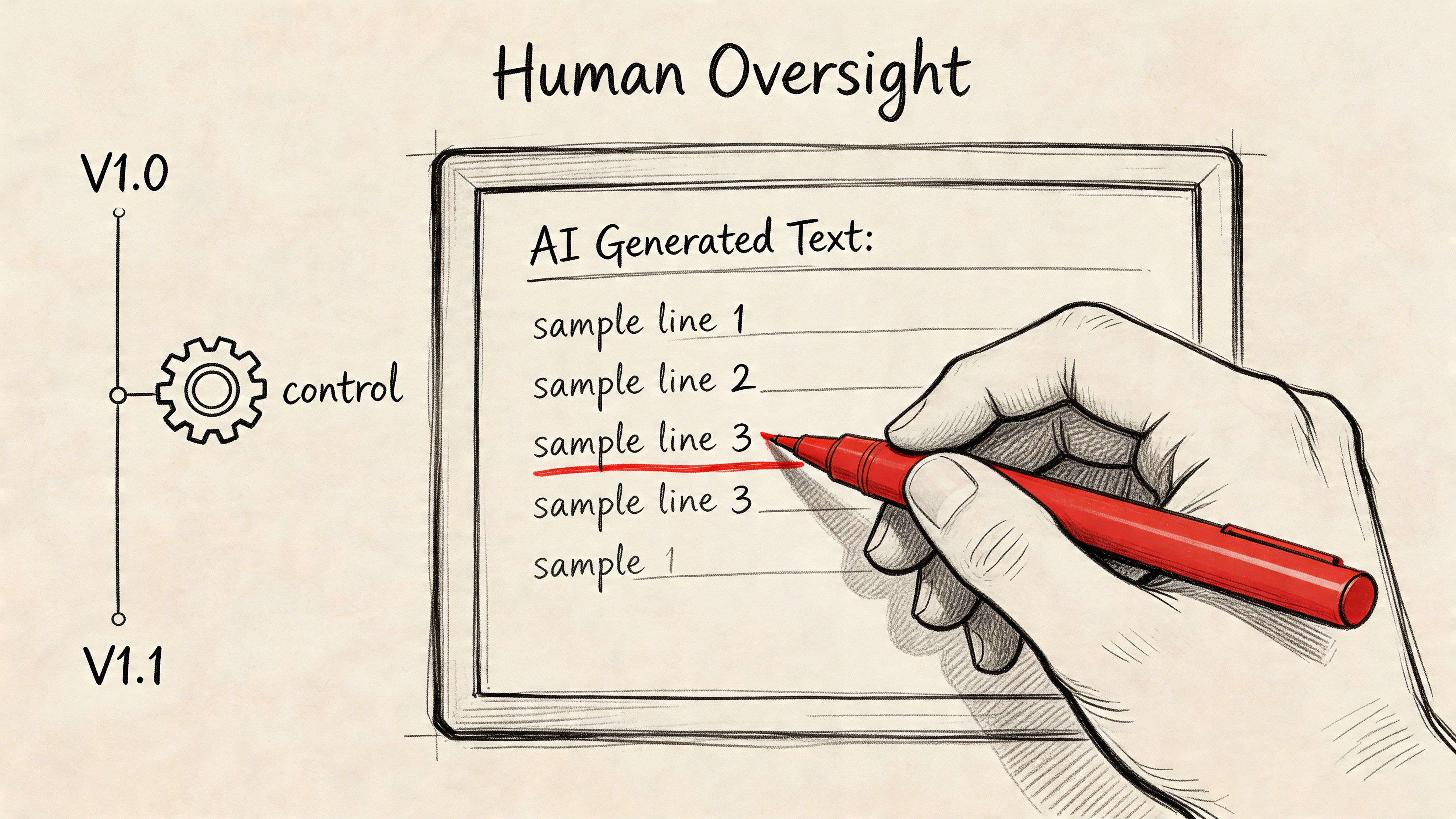
That’s why human review can’t be treated like a final skim. It has to be built into the workflow as a real control layer. For product catalogs, that usually means product, merchandising, SEO, and compliance teams each touching different parts of the output.
Not all content carries the same risk.
Decision-stage content has the highest upside, and it also has the highest downside if it’s sloppy. The Digital Ring notes that bottom-funnel content optimized for AI search converts at 23x rates compared with traditional top-of-funnel content, because AI-driven visitors arrive more informed and more qualified (The Digital Ring). That’s exactly why these pages need tighter review, especially when they include comparisons, buying criteria, and structured product details.
A bad top-of-funnel article can waste traffic. A bad comparison page can damage trust right before purchase.
One reviewer shouldn’t be responsible for everything. Break the review into roles.
For example:
That split makes approvals faster because each person knows what they own.
Without versioning, teams make silent edits and lose track of what changed. That’s dangerous in large catalogs.
Version history helps you answer basic but critical questions:
| Question | Why it matters |
|---|---|
| What changed on this product page? | Lets teams trace performance or accuracy issues |
| Who approved the change? | Creates accountability |
| Which fields triggered the rewrite? | Helps debug automation rules |
| Can we restore the earlier version? | Prevents bad updates from lingering |
| Did a supplier update overwrite enriched content? | Protects manual improvements |
A simple draft-compare-approve workflow is much safer than direct publishing. It also helps when multiple departments touch the same record over time.
People often think review exists to clean up awkward wording. That’s only part of it.
The job is to protect meaning:
These are judgment calls. Models can assist with them, but they can’t own them.
A clean sentence isn’t the same as a safe sentence. A fluent paragraph isn’t the same as an accurate one.
Review processes usually break after the first burst of success. The team starts generating more pages, more category content, more comparison blocks, and suddenly approvals pile up.
The fix is to set rules early:
That gives you a system that can grow without losing control.
The best AI search workflows don’t remove humans. They reserve human time for the decisions that need judgment.
Classic SEO reporting is too narrow for AI search. Rankings still matter. Organic sessions still matter. But they don’t tell the whole story when the search interface itself is answering the question.
You need a measurement model that captures visibility, trust, and downstream commercial impact.
A lot of AI search value shows up before the click.
That means your dashboard should include routine prompt testing across the AI tools your buyers use. Search your category terms, comparison questions, and product-type questions. Log whether your brand, product pages, FAQs, or supporting content appear.
A basic review cadence should capture:
Screenshots and manual logs may feel old-school, but they’re still useful because many teams don’t yet have complete tooling for this layer.
One of the more interesting patterns in AI search is that discovery and conversion often split apart. Someone first hears about you in an AI answer, then later searches your brand directly, compares options, and converts through another channel.
That’s why branded search lift matters. So does the quality of direct and assisted sessions that follow exposure in AI interfaces.
Look for signals like:
You still need a business case. If stakeholders only see “citations” and “mentions,” they’ll tune out.
Map your reporting into a simple chain:
| GEO signal | What it suggests | Business interpretation |
|---|---|---|
| More AI citations | Content is being selected as trustworthy | Brand visibility is improving in zero-click environments |
| More branded search | AI exposure is creating recall | Discovery is influencing demand |
| Better conversion on AI-entry pages | Visitors arrive with clearer intent | Content is helping qualified buyers decide |
| Fewer support-driven pre-sales questions | Product information is clearer upfront | Content quality is reducing friction |
If your team needs a clean framework for revenue math, a guide like this on how to calculate marketing ROI can help translate visibility work into a language finance and leadership understand.
The best GEO programs also track operational health. If you only measure search outcomes, you’ll miss the internal issues causing them.
Useful internal metrics include:
These aren’t vanity metrics. They tell you whether the machine behind the content is healthy.
The strongest GEO dashboards mix external visibility with internal content readiness. If you only track one side, you’ll misread the other.
Measurement should feed the next audit cycle.
If comparison pages get cited but convert poorly, the issue may be weak differentiation or weak product detail. If product pages convert well but rarely appear, the issue may be schema, structure, or crawlability. If branded search rises but support tickets stay high, the issue may be incomplete buying guidance.
That feedback loop is where teams get better at how to optimize content for ai search. Not by publishing more pages blindly, but by learning which content patterns earn trust and which operational gaps keep good content from showing up.
If your team needs a practical system for centralizing product data, generating channel-specific content, managing review workflows, and scaling AI search optimization across large catalogs, NanoPIM is built for that job. It gives you one place to structure product records, enrich content with AI, control approvals, and keep catalog updates consistent across the channels that matter.


