

Using video in your online store isn't just a nice-to-have anymore. It's become a key part of turning curious shoppers into confident buyers. Simply put, video shows your products in action, clarifies their value, and gives people the nudge they need to make a purchase.
In a marketplace overflowing with options, flat, static product images just don't capture attention like they used to. A product page without video is like a storefront with a "do not touch" sign. Shoppers can see the item, but they can't get a real feel for it, which plants a seed of doubt.
Video shatters that barrier. It breathes life into your products, showing how they work, what they feel like, and how they’ll fit into a customer’s world. It’s not just about listing features; it’s about telling a story and forging a real connection.
One of the biggest hurdles in ecommerce is that customers can't physically hold or inspect a product. A good video closes that gap by answering their unspoken questions visually. How does that dress flow when someone walks? What does that blender actually sound like? Is it a pain to assemble?
By showing instead of just telling, you get ahead of those concerns and ease purchase anxiety. That kind of transparency is gold for building credibility. When a customer can see the product from every angle and in a real-world setting, they feel much more secure in their decision.
A product video is the closest you can get to putting an item directly into your customer's hands before they buy. It’s a powerful tool for building the confidence needed to click "add to cart."
The influence of video on a shopper’s final decision is impossible to ignore. The data draws a straight line between watching a video and the willingness to buy. In fact, 84% of people say they’ve been convinced to buy something after watching a brand's video. Even more telling, 91% of consumers say video quality directly impacts their trust in a brand. You can dig into more of the numbers in this detailed report on marketing statistics.
This happens because video grabs and holds attention way better than text or images ever could. It makes your product pages stickier, encouraging people to hang around longer and see what you have to offer.
Okay, you've bought into the idea that video is a must-have for your store. Smart move. But now comes the real question: what kind of videos should you actually be making?
This isn’t about just hitting record. Not all videos are created equal, and the right format depends entirely on your product, your audience, and what you’re trying to achieve. Think of it like a toolkit, you wouldn't use a hammer to saw a board. Getting a handle on how to create product videos that actually sell is the perfect starting point before you dive into the different types.
The right video strategy creates a powerful feedback loop. It builds trust and confidence, which in turn drives purchases. It’s that simple.
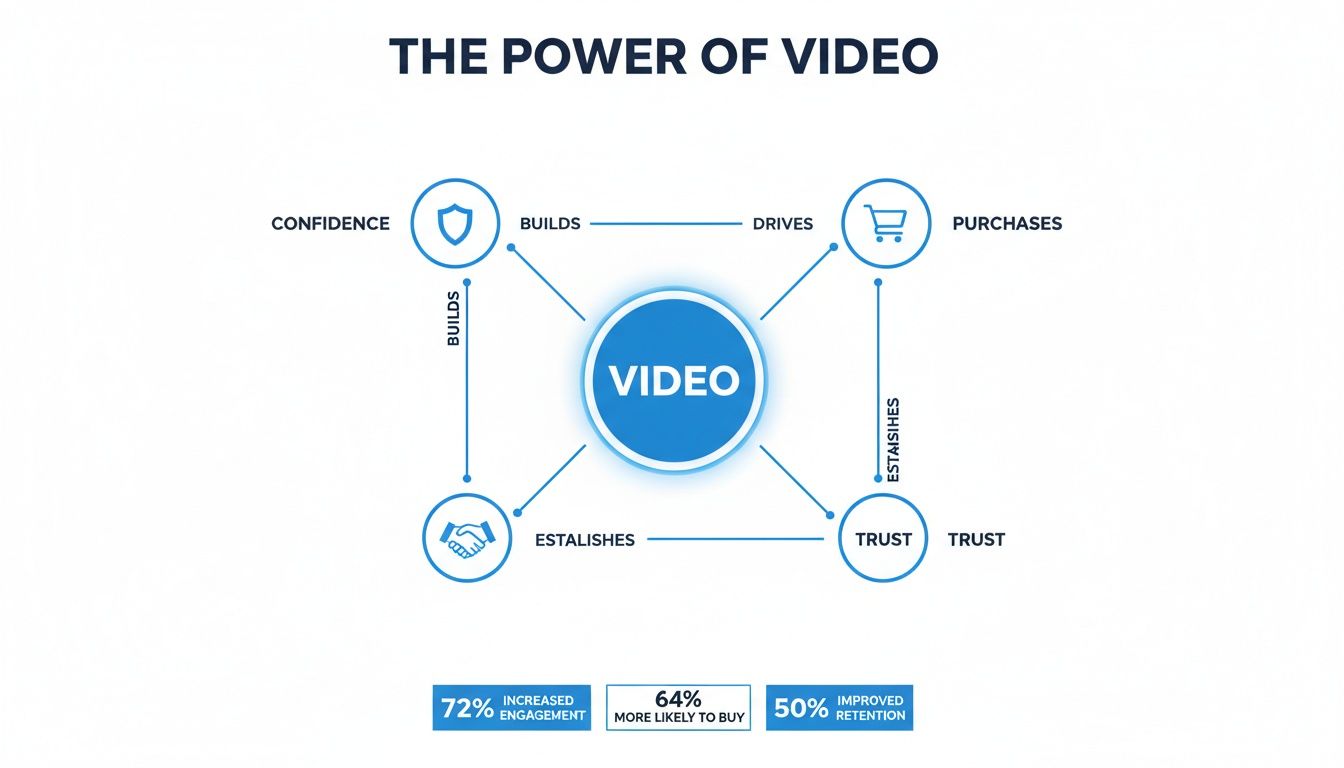
This is your ecommerce workhorse. A product detail video does what static images can't: it gives shoppers a complete, 360-degree feel for what they’re buying. It's the best way to show off materials, highlight features in motion, and give a true sense of scale.
Think about a leather handbag. A video can show how the light catches the grain of the leather, how smoothly the zipper operates, and exactly how many pockets are inside. This simple act of showing, not just telling, wipes out buyer uncertainty and makes customers feel confident they’re making the right call. These belong right on your product pages, where they can do the most good.
How-to videos are your problem-solvers. They show customers how to assemble, use, or get the absolute most out of a product. If you sell anything with a learning curve or setup process, these are your best friend. They educate potential buyers and double as a support tool for existing customers.
Imagine selling a high-end espresso machine. A quick, clear video walking someone through the unboxing, setup, and pulling their first shot can be the final push a hesitant buyer needs. It also slashes your return rate, because customers who know how to use a product correctly are far less likely to get frustrated and send it back.
Lifestyle videos don't sell a product; they sell an experience. Instead of rattling off features, they place your product in an aspirational, real-world context. This is how you connect your brand to a feeling or an identity, helping customers picture your product in their own lives.
A clothing brand might show its jacket on a group of friends laughing around a campfire. A company selling outdoor gear could feature its tent against a stunning mountain sunrise. The goal isn’t to list specs, it’s to forge an emotional connection.
Lifestyle videos work so well because they don't feel like ads. They tell a story your audience wants to be a part of, positioning your product as the key to that experience.
These are tailor-made for social media feeds and your homepage, where your first job is to grab attention and build your brand’s personality.
Nothing builds trust faster than seeing real people, not actors, get excited about your products. Unboxing videos capture that genuine, first-blush moment when a customer opens their package. It's raw, it's authentic, and it creates a powerful sense of anticipation for other shoppers.
Customer testimonials take it a step further. Hearing someone just like them share a great experience provides undeniable social proof. When a real customer explains how your product solved their exact problem, it’s a thousand times more convincing than any marketing copy you could ever write.
You can get these by collaborating with influencers or by running campaigns inviting your customers to share their own videos. Splice them into your product pages, share them on social, and feature them in email campaigns to build rock-solid credibility.
To make it even clearer, here’s a quick-reference guide to help you match the right video to the right goal.
By mixing and matching these videos for ecommerce, you're not just selling products. You're building a comprehensive strategy that answers questions, builds unshakable trust, and ultimately, drives more sales.
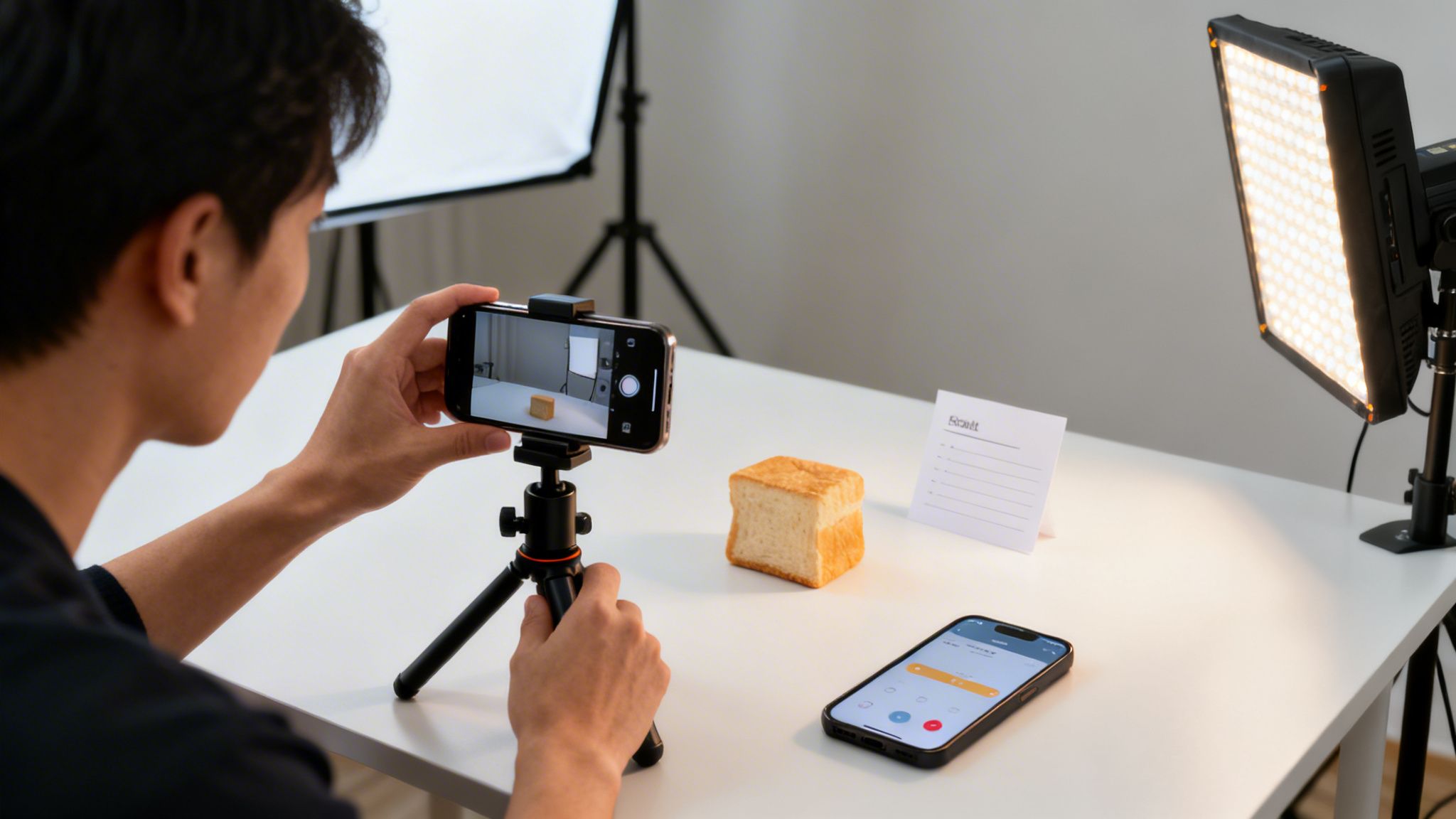
The very idea of creating videos for ecommerce can feel intimidating. We immediately picture massive film crews, complex lighting rigs, and budgets that make your eyes water.
Here’s the good news: you don’t need any of that. You don't need a Hollywood-level production to create videos that genuinely connect with customers and, more importantly, drive sales.
Powerful videos are born from smart planning, not expensive gear. In fact, a thoughtful story shot on a smartphone will always outperform a boring, high-budget production.
Let's break the whole process down into three straightforward stages that any business can follow, whether you're a one-person startup or a growing brand.
This is where the magic really happens, long before you ever hit the record button. Think of pre-production as your roadmap. Without a solid plan, you're just guessing, and that’s a sure way to waste time and money.
First, define your goal. What is this video for? Are you trying to show off a product’s features, explain how to use it, or create an emotional connection? Your objective will shape everything that follows, from the script to the visual style.
Next, sketch out a simple script or outline. This doesn't need to be fancy. Even a few bullet points mapping out your key messages and planned shots will keep you on track. Just think about the story you want to tell and the one thing you want your viewer to remember.
Now it's time to bring that plan to life. For most ecommerce needs, the high-quality camera already in your pocket is more than enough to get started. Modern smartphones shoot incredible video, but a few simple tricks can make a world of difference.
And a pro tip: always shoot more footage than you think you’ll need. Getting extra angles and a few different takes gives you more flexibility and creative options when you get to editing.
This is where you polish your raw footage into a compelling final product. The editing process might seem daunting, but today's tools make it accessible to literally everyone. You'll trim your clips, add some music, and maybe layer in some text or simple graphics.
For beginners, there are tons of user-friendly mobile apps like CapCut or InShot that offer powerful features right on your phone. If you're ready for more control, desktop software like DaVinci Resolve offers a free version that is unbelievably robust.
The goal here is to keep your edit tight and engaging. Cut out any awkward pauses, use music to set the mood, and make sure your product is always the star of the show.
The most important part of any ecommerce video isn't the camera it was shot on. It's the clarity of the message and the value it provides to the customer. A simple, well-planned video will always be more effective than a complicated one.
For brands looking to get even more bang for their buck, using affordable UGC video marketing tools can be a total game-changer. These platforms help you find and manage authentic videos from real customers, which often resonate even more than polished brand content.
By focusing on these three simple stages, planning, filming, and editing, you can consistently create effective videos for ecommerce that build trust and boost your bottom line, all without a huge budget.
One of the biggest mistakes I see brands make is the "one and done" approach. They sink time and money into a fantastic video, then blast the exact same file across their website, YouTube, Instagram, and TikTok, and just hope for the best.
This strategy simply doesn't work. Each platform is its own world, with its own rules, audience expectations, and technical quirks. Posting the same video everywhere is like wearing a tuxedo to a backyard barbecue. Sure, you're there, but you stick out for all the wrong reasons and nobody really knows what to do with you.
To get real results, you have to adapt your video to its environment. A few simple tweaks can mean the difference between a video that gets ignored and one that drives serious engagement and sales.
Think of video optimization as learning to speak the local language of each platform. It shows you understand the culture and, more importantly, that you respect the viewer's experience. Let's break down the most important channels for ecommerce brands and what they demand.
First up is your own website, specifically, your product pages. This is your home turf. Here, clarity is king. Shoppers are actively considering a purchase, so your videos need to be informative, focused, and designed to help them make a confident decision.
Then you have social media, where the rulebook gets tossed out the window. On platforms like Instagram and TikTok, you're not just selling a product; you're competing for a sliver of attention in an infinite scroll. Your video has to be entertaining and grab someone in the first three seconds, or they’re gone.
To make this easy, here’s a practical checklist for tailoring your videos. Use this as your guide to make sure your content is always in the right place, at the right time, and in the right format.
Your Website/Product Pages:
Instagram (Reels & Feed):
TikTok:
YouTube:
Never, ever underestimate the importance of on-screen text. A staggering number of people watch videos with the sound off, especially when they're scrolling through social media in public. If your video needs a voiceover to make sense, you’re losing a huge part of your audience right off the bat.
Always add burned-in captions to your videos. It makes your content accessible to everyone, whether they're in a quiet office, on a loud train, or have a hearing impairment.
Your video's title is your first impression. It has to be compelling enough to make someone stop scrolling and click. Use strong, action-oriented language that’s crystal clear about what the viewer will get out of watching.
Instead of a boring title like "Blender Demo," try something like "Make a Perfect Smoothie in 30 Seconds." It promises a clear benefit and sets an expectation. That small change in framing can make a massive difference in your view counts.
Creating great videos for ecommerce is a huge win. But once you start building a real library of product demos, lifestyle clips, and testimonials, a totally new problem pops up. Where does it all go?
At first, a few folders on a shared drive feel manageable. But before you know it, you’re drowning in a sea of files with names like Final_Video_V3_USE_THIS_ONE.mp4. Finding the right clip for the right product turns into a frustrating treasure hunt that just burns time.
This digital mess does more than just slow you down. It’s how outdated videos end up staying live on your site, how your branding gets inconsistent across channels, and how your team gets a massive headache. As your video strategy scales, you need a system actually built for the job.
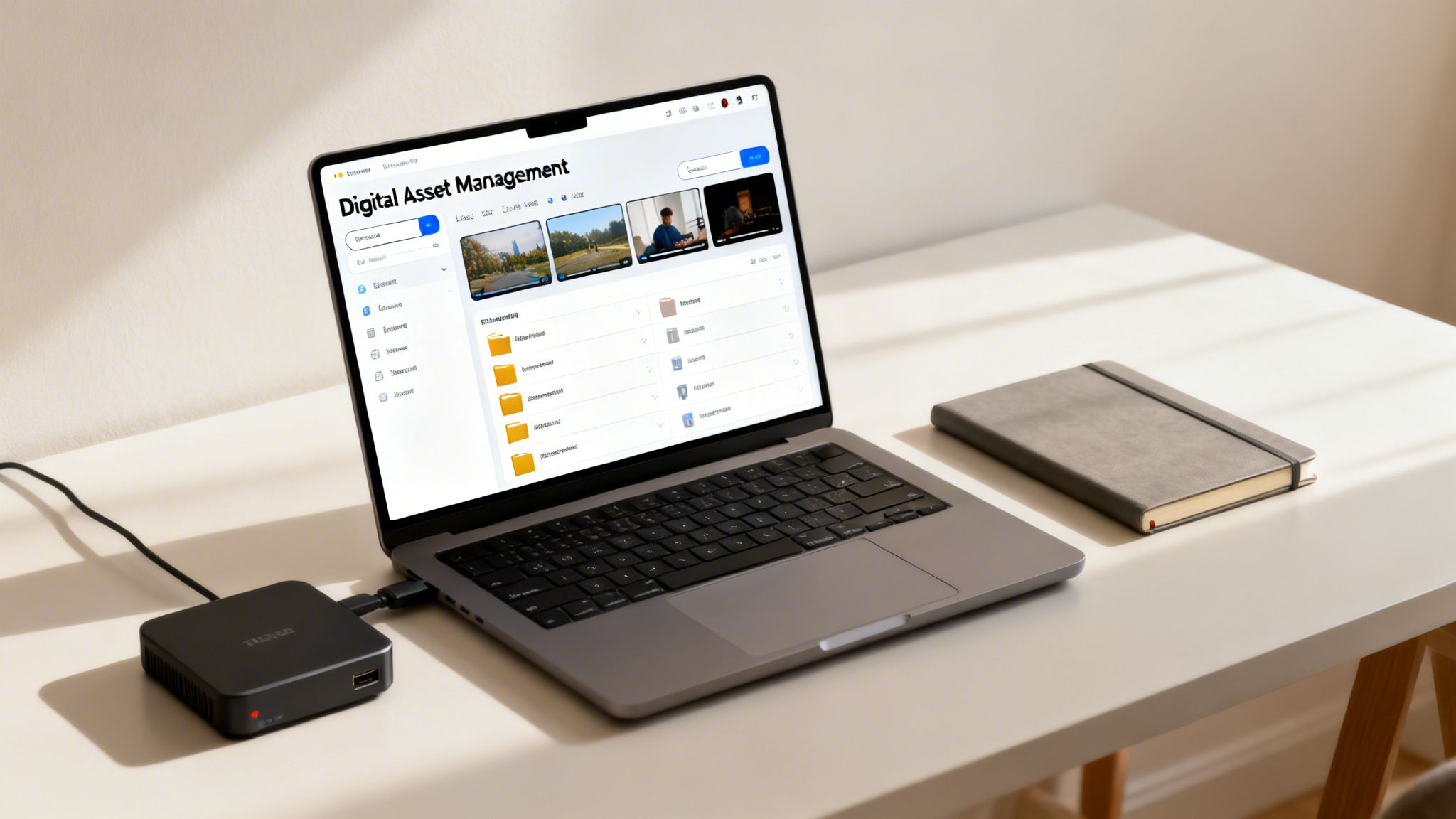
The fix is to stop thinking in folders and start thinking in terms of a central hub. This is where tools like a Product Information Management (PIM) or a Digital Asset Management (DAM) system come in.
Think of it like hiring a super-organized digital librarian who knows everything about every single video you own. That’s what a DAM does. It becomes the single source of truth for all your images, documents, and of course, your ecommerce videos.
A PIM takes it a step further by connecting those videos directly to your product data. It links every video to a specific product SKU, making sure the right content always shows up in the right place. This integration is what transforms a chaotic pile of files into a powerful, automated machine.
A PIM/DAM system doesn't just store your videos. It organizes, enriches, and connects them to your products, creating a seamless workflow that eliminates chaos and boosts efficiency.
A Digital Asset Management system is your command center for all media. It’s specifically designed to handle large files and rich data in a way that standard file-sharing services just can't.
Instead of just holding files, a DAM lets you add useful tags and metadata to each video. You can tag a video with the product it features, the campaign it’s for, its usage rights, or even an expiration date.
While a DAM organizes your assets, a PIM organizes your product information. When you use them together, you get a completely interconnected system. A PIM takes your newly organized videos and links them directly to their corresponding products.
This means the video is no longer just a loose file; it’s treated as an attribute of the product itself, right alongside its price or description.
So, when you update a product video in your PIM, it can automatically update across all your sales channels, from your website to your Amazon listings. This creates a consistent customer experience everywhere you sell and frees your team from the grind of endless manual updates.
We’ve covered a lot of ground, from the nuts and bolts of video types to the strategy behind managing them at scale. If there’s one big takeaway, it’s this: success with videos for ecommerce isn’t about a Hollywood budget. It’s about being smart, creative, and organized.
Now, it’s time to put all this theory into practice. The goal isn’t to boil the ocean and do everything at once. It’s about taking one small, confident step forward to build momentum.
The most effective video strategy is the one you actually start. Don't aim for perfection right away, just aim for progress. Pick one thing from the list below and commit to doing it this week.
To help you get there, here’s a simple checklist to get you started. Think of it as a game plan to get your first real, measurable results.
This plan is designed to be straightforward. Work through these steps to build a solid foundation for your ecommerce video efforts.
Audit Your Top Sellers: Your best-selling products are the perfect place to start. Look at your top five items and ask, "What questions could a video answer that photos can't?" This is your low-hanging fruit.
Pick One Video Type: Don't try to make a lifestyle video, a how-to guide, and a testimonial all at once. Choose just one type that feels achievable and solves your biggest immediate problem. A simple product detail video is always a great first choice.
Schedule 90 Minutes for Your First Shoot: That’s it. Put 90 minutes on your calendar this month to film. Use your smartphone, find a spot with good natural light, and just focus on getting it done, not getting it perfect.
Once you have a few videos under your belt, keeping them organized becomes critical. This is where you can start thinking about a more advanced system. You can learn more about how to structure all your product-related assets in our guide to product information management.
After you’ve created that first video, the next step is getting it in front of your customers. Upload it to the right product page and share it on one social media channel.
Then, watch the data. Look at the page’s conversion rate before and after. Even a small lift is a huge win, proving your efforts are paying off. That initial success is what gives you the confidence, and the business case, to keep investing in your video strategy.
Jumping into ecommerce video can bring up a few questions. That's perfectly normal. Let's tackle some of the most common ones I hear so you can start creating with confidence.
The golden rule? Keep it snappy.
For your product pages and most social media feeds, aim for that sweet spot between 15 and 60 seconds. That’s usually just enough time to hit the highlights, show the product in its element, and make your point before someone’s thumb keeps scrolling.
If you have a more in-depth story to tell, like a detailed how-to guide or a brand documentary, save that for platforms where people expect longer content, like YouTube or a dedicated spot on your blog.
Absolutely not. In fact, I'd argue against it in most cases. Slick, overly-produced videos can sometimes feel sterile and distant. Authenticity, on the other hand, builds instant trust.
You could feature your own team members. Putting a real face to the brand is incredibly powerful. Or, even better, let your happy customers do the talking. User-generated content showing real people using and loving what you sell is marketing gold. It's persuasive in a way no scripted ad can ever be.
You've got to look at the right numbers. Start with the basics like view count and watch time to get a feel for engagement. From there, check your click-through rate. Are people who watch the video actually clicking through to your product page?
But the most important metric, the one that really matters, is your conversion rate. The best way to measure this is to A/B test your pages. Run one version with the video and one without. The data will give you a clear, undeniable picture of the impact your video is having on sales.
Ready to manage your growing video library and product content with ease? NanoPIM centralizes all your digital assets and product information into one smart, AI-powered hub, helping you stay organized and consistent across every channel. Get started today at https://nanopim.com.


